
A sixth model joins ExpressAI, bringing video analysis to the platform


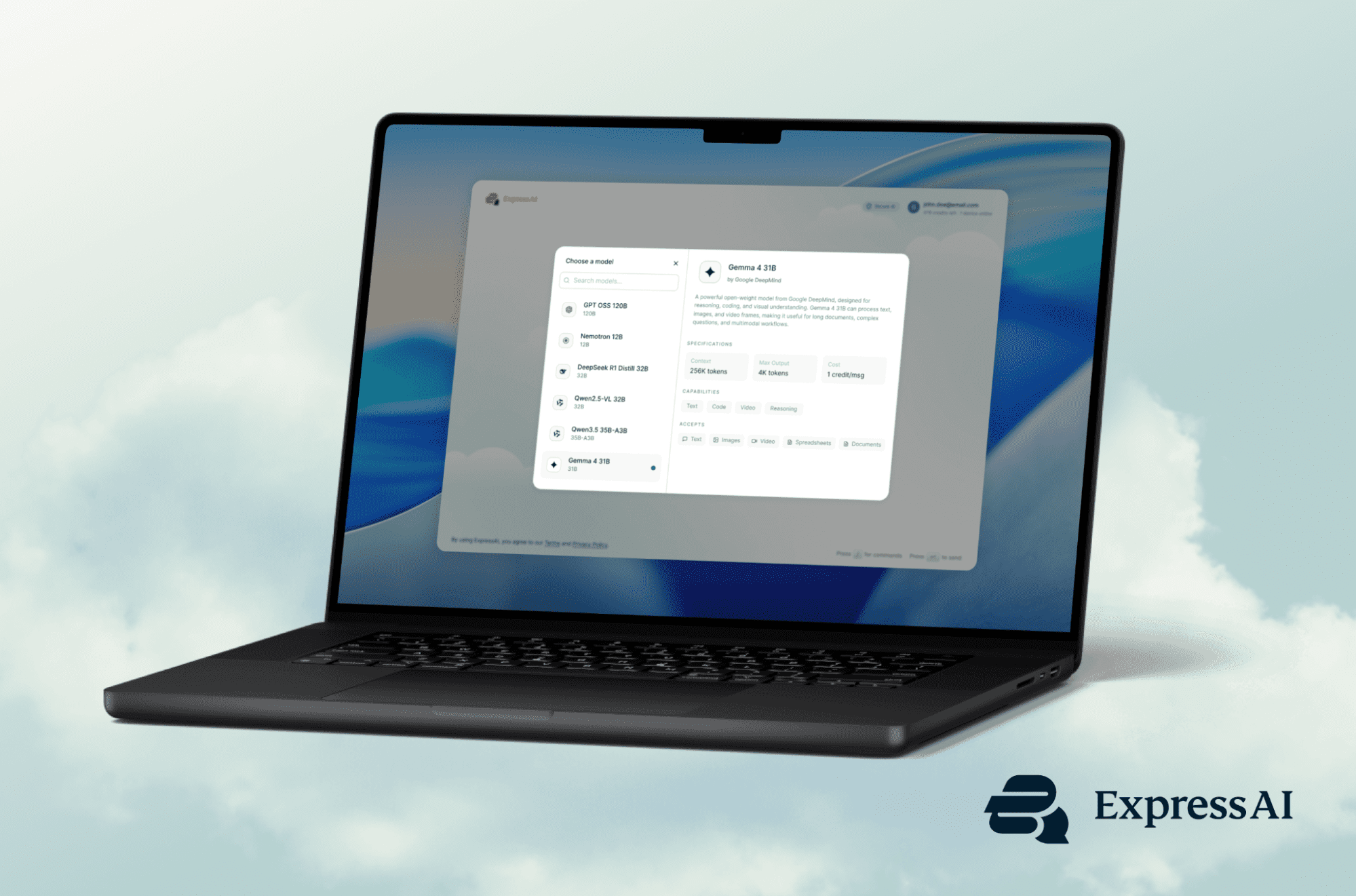
Gemma 4 31B, a new model from Google DeepMind, brings video analysis and long-context understanding to ExpressAI. Available now to new and existing Pro plan users.
Video is where a lot of useful information now lives. Recorded lectures, customer calls, marketing footage, product demos, user research, screen recordings, and meeting recaps can hold details that are hard to find unless someone watches the whole thing.
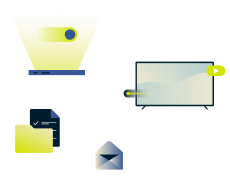
ExpressAI now gives Pro users a faster way to work with that material. With the addition of Gemma 4 31B, a new model from Google DeepMind, users can upload a video file directly into ExpressAI and ask questions about what happens inside it, the same way they already work with documents and images.
Gemma is the sixth model available on ExpressAI, and the first to bring text, image, and video understanding together in one model on the platform. For new and existing Pro plan users, it adds a new way to search, summarize, and understand video without turning every recording into a manual review project.
Video analysis comes to ExpressAI
ExpressAI users have been able to analyze documents and images since launch. With Gemma now on the platform, video joins that workflow.
Upload a video file directly into ExpressA, then ask questions in plain language. For example:
- Summarize this clip.
- What happens between minutes 3 and 5?
- How many people appear in this scene?
- Identify every product shown.
- Did anyone leave the room?
For uploaded files, supported formats include MP4, MOV, and WebM. Videos can be added through drag and drop directly into ExpressAI, the same way documents and images work today
That means a long customer interview can become a set of themes, a recorded lecture can become study notes, and a product demo can be checked for specific moments, people, or objects. A meeting recording can be reviewed for decisions and follow-ups without someone having to scrub through the entire file.
Built for longer files and deeper context
Gemma has a 256,000-token context window, giving ExpressAI more room to work across large files, long conversations, and extended recordings.
For video, that gives Gemma more context to understand what happens across a longer piece of footage, rather than treating each moment in isolation. For documents, it can work with full contracts, research papers, reports, books, and large codebases while keeping earlier material in view.
That matters because many useful questions depend on the full file. You might want to compare what was said at the beginning and end of a meeting, find recurring objections across a customer call, trace a theme through a lecture, or ask how one section of a contract relates to another.
More than video
Video is the headline capability, but Gemma also strengthens the way ExpressAI works with visual and long-form material more broadly.
It can read documents, parse charts, analyze screenshots, and extract information from diagrams. It also supports reasoning mode, which helps on more complex tasks such as comparing contracts, debugging code, analyzing a financial model, or tracing cause and effect through a research paper.
Where Gemma can help
Gemma is useful wherever important information is buried in long files, visual material, or recorded content.
- For content and media teams, it can summarize videos, extract highlights, generate captions, and help build searchable video libraries.
- For education and research, it can index recorded lectures, generate study materials, summarize long documents, and reason across multiple sources in a single conversation.
- Marketing teams can use it to review campaign footage, identify recurring visual moments, and help repurpose long-form content into shorter formats.
- Customer insight teams can analyze user research, customer calls, screen captures, and support recordings to surface themes and standout moments.
Frontier-grade AI, kept private
As AI models become more capable, the privacy architecture behind them becomes more important. People use AI tools for sensitive work, from business documents and customer research to internal recordings and product plans.
Every interaction with Gemma runs through the same secure-enclave architecture as the rest of ExpressAI. Your prompts, files, and videos are decrypted only inside the enclave. Nothing is retained, reviewed, or used to train the model.
That means new and existing Pro plan users can bring video into ExpressAI while keeping the same privacy protections they already rely on across the platform.
Available now
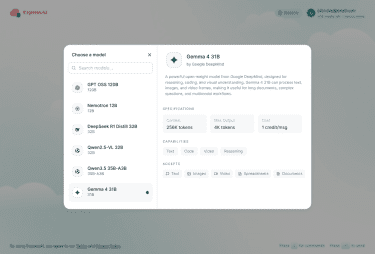
Gemma is available via ExpressAI to new and existing Pro plan users at no extra cost. To use it, head to your ExpressAI workspace, select Gemma from the model picker, and start a new conversation. Video uploads work via drag and drop, the same way documents and images do today.