-

Is Grok safe? What you need to know to stay secure
Grok, the AI chatbot from xAI, is designed to answer questions, provide information, and engage in conversation. But with any AI tool, it’s natural to wonder how safe it is to use. In this guide, we...
-
How much internet speed do I need? (Expert guide)
When you’re choosing an internet plan, it can be difficult to know exactly how much speed you actually need. Too little can lead to lagging, buffering, or dropped calls, while paying for more than y...
-
How to reset your MacBook or iMac: A complete step-by-step guide
Resetting a Mac helps you protect your privacy and resolve persistent issues. It's a good idea to reset your device before giving it to a new owner or recycling it, or when software problems continue ...
-
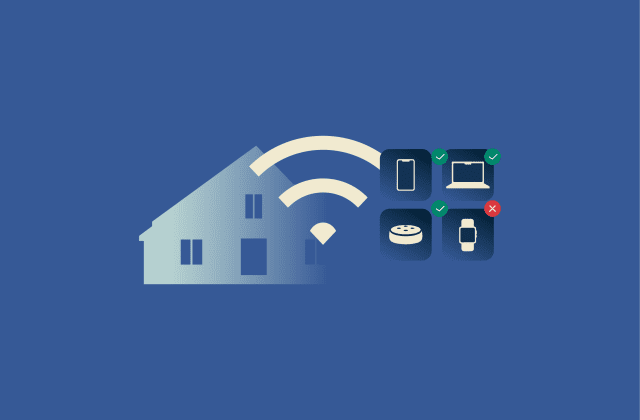
How to control internet access at home
Many households struggle to keep their home network controlled and organized. New devices connect every day, kids begin to spend more time online unsupervised, and unwanted activity can slip through w...
-
How to turn off Find My iPhone: Step-by-step guide
Turning off Find My iPhone is part of preparing a device for transferring ownership of the device, switching Apple IDs, or sending it in for repair. Because the feature is built into Apple’s securit...
-
How to create a free anonymous email account
Most people use email every day without realizing how much personal information it can expose. A single email address can be tied to your online accounts, purchases, sign-ups, and communication patter...
-
How to block someone on WhatsApp (step-by-step guide for all devices)
Blocking a person or business on WhatsApp stops their messages, calls, and status updates from reaching you. It also hides whether you’re online, when you were last active, and any profile photo cha...
-

What are IoT networks? A complete guide
From smart homes to entire cities, connected devices now shape how we live and work. They collect data, share information instantly, and make everyday systems more efficient. Behind that constant comm...
-
How to recognize and prevent FedEx scams
You’re expecting a delivery when a message from “FedEx” appears in your inbox. It looks like a routine delivery update, but if it’s fake, clicking it could put your personal information at ris...
-
How to fix “self-assigned IP address” error on Mac
If your Mac says it’s connected to Wi-Fi but nothing’s loading, the problem might be a self-assigned IP address. This means your computer tried to join the network but didn’t get a valid IP addr...